Make your players part of the game
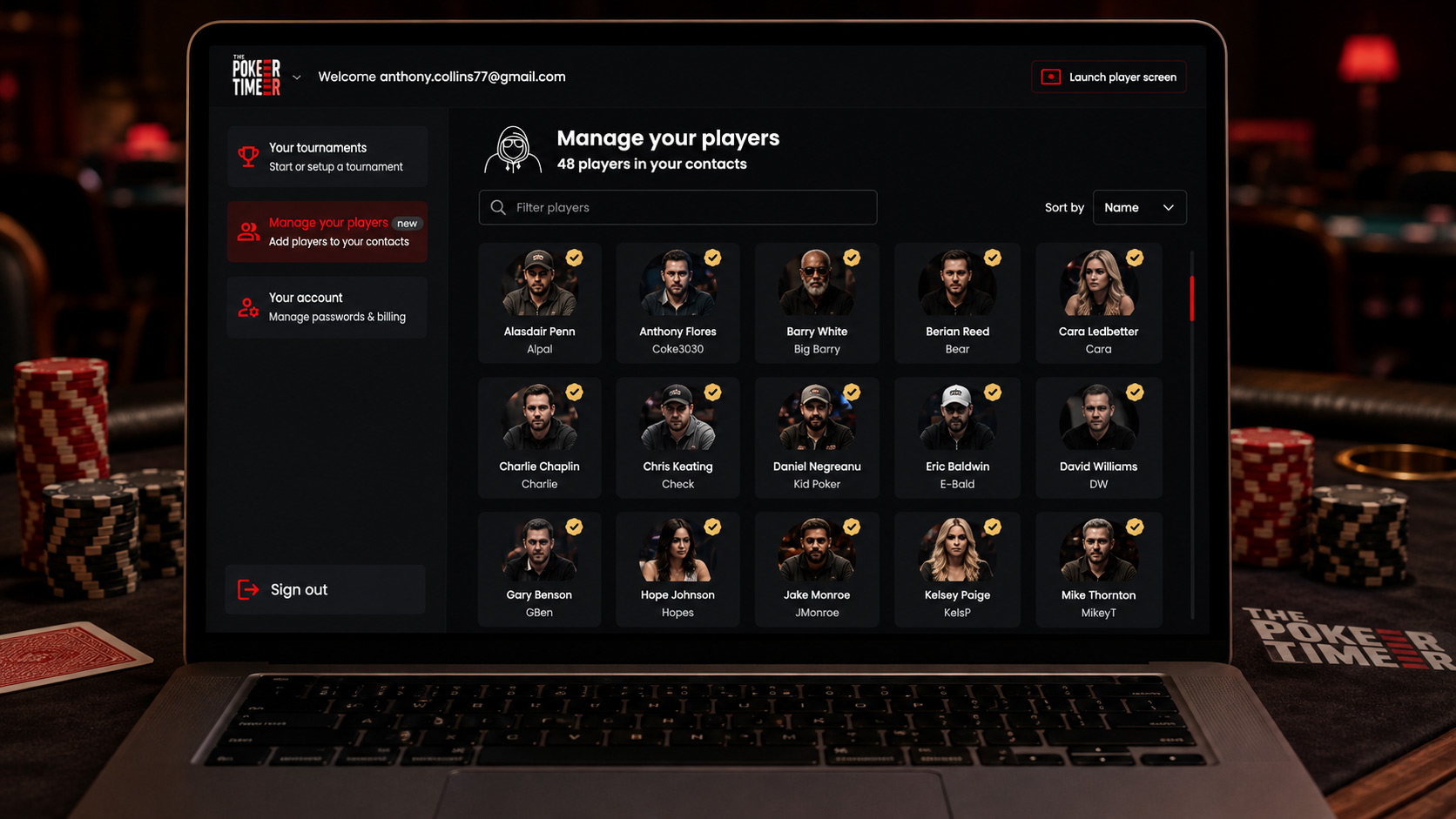
Your regulars can now look like your regulars. Add photos to player profiles and they'll appear throughout the tournament, from the lobby to the game itself and the final results.
What's new
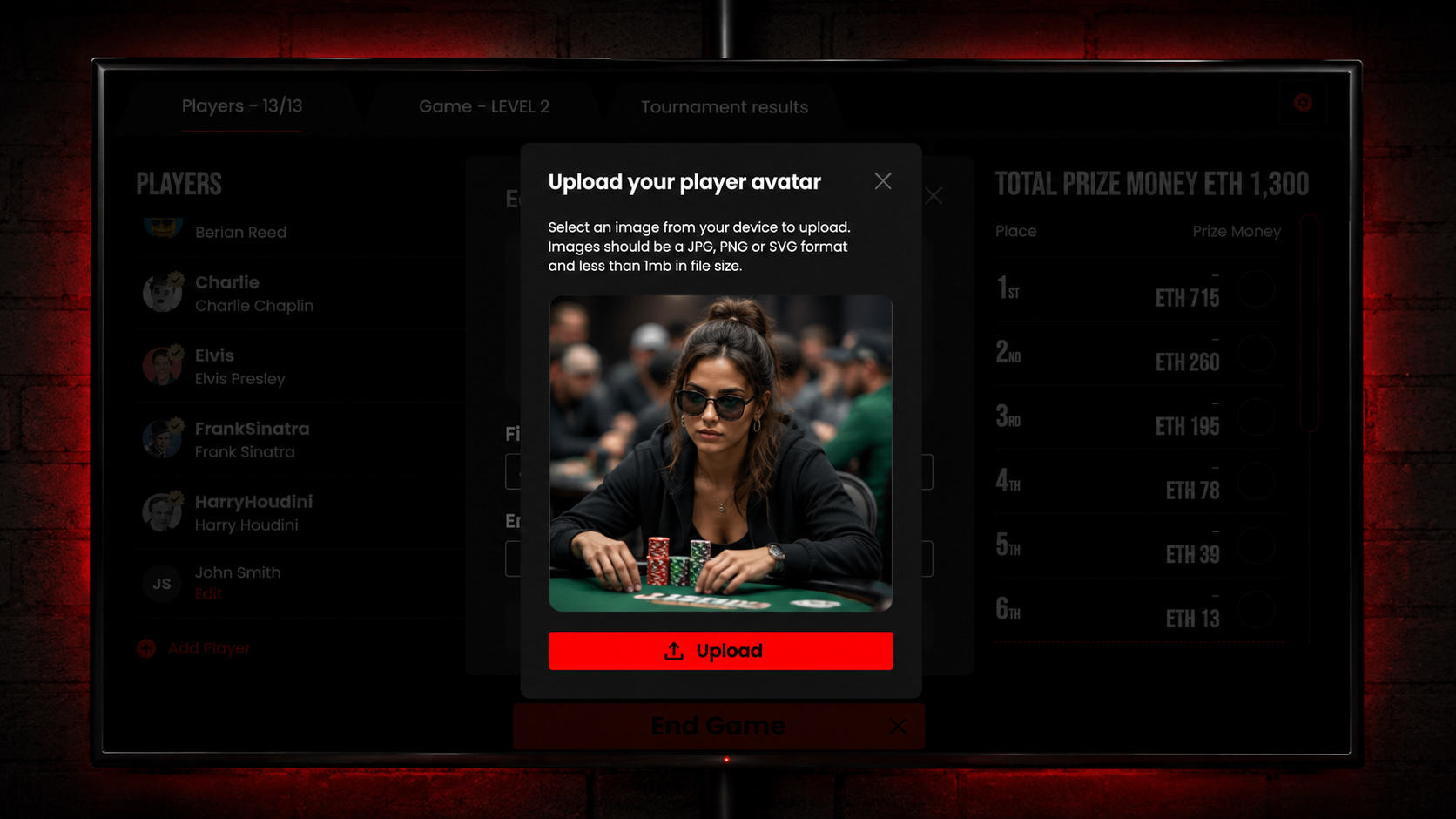
You can now add a photo to any player in your player pool, giving every player a recognisable face alongside their name.
Once added, their photo stays with their profile and appears wherever they show up across The Poker Timer, including the lobby, during the game and on the results screen.
How to use it
Open a player from your player pool, edit their profile and add a photo. That's it.
Their photo is saved to their profile, so the next time they play, they're already there and ready to go.
We've also redesigned the player editing experience, making it quicker and cleaner to manage player details.
Why it matters
The more you play with the same group, the more your tournament becomes about the people, rivalries and stories around the table, not just a list of names.
Player photos bring more of that personality into The Poker Timer, making your lobby, tournament and final results feel like your game, with your players.