Upload your logo right in the app
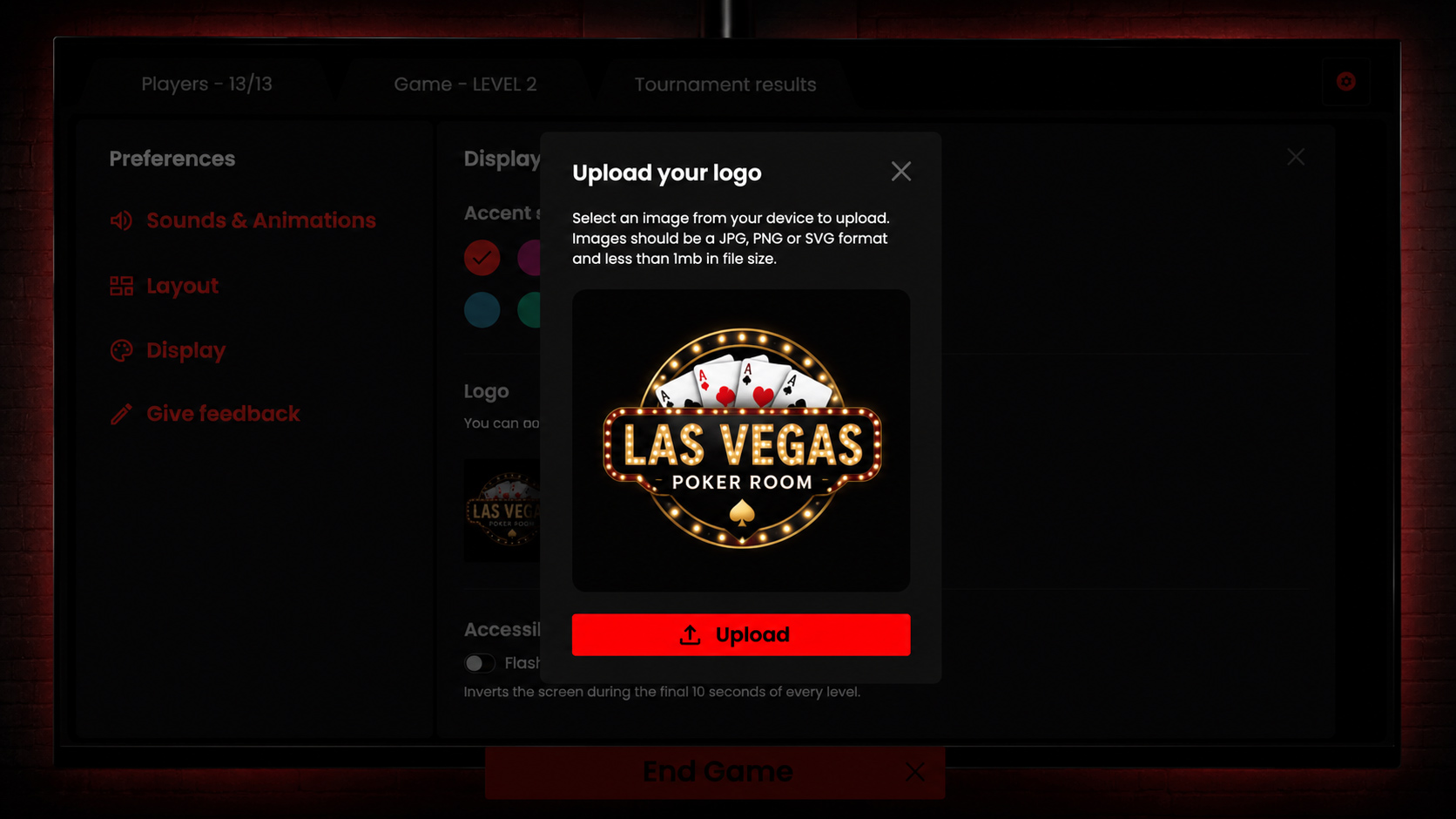
Set your venue's logo from Preferences. Pick an image and it appears across your screens, swap or remove it any time. Every open window updates immediately, so the player screen never shows a stale logo.
What's new
You can now set your venue's or club's logo straight from Preferences, with no re-uploading between sessions and no restarts. Once it's set, your logo appears across every screen The Poker Timer runs.
How to use it
Open Preferences, go to Display, and choose an image under the Logo section. A JPG, PNG or SVG under 1 MB works best. The moment you pick it, your logo drops into place, and you can swap it or remove it again whenever you like.
Why it matters
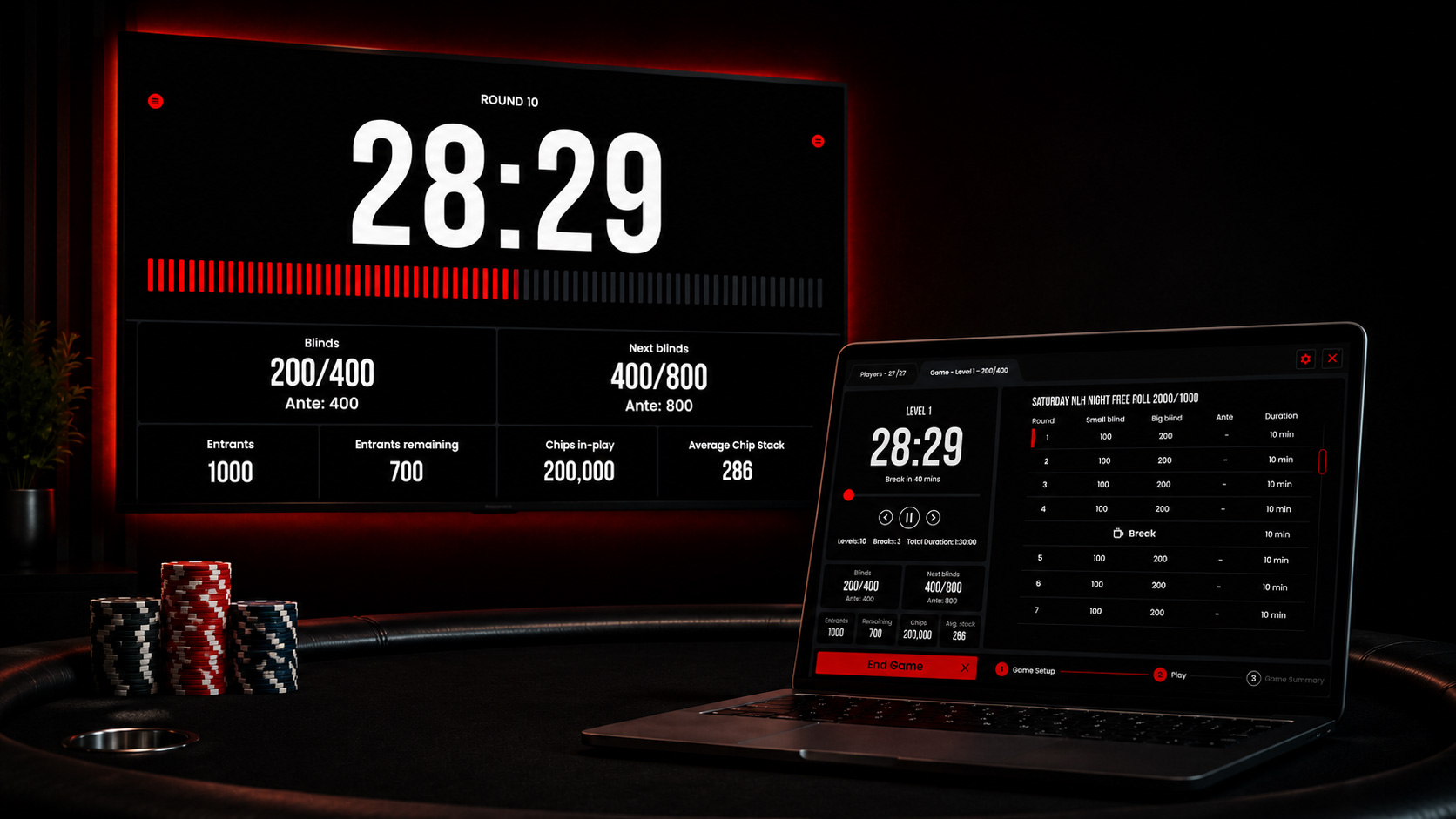
The screen your players gather around should feel like yours. Because the change syncs to every open window instantly, the big player-facing clock and your private director screen always show the same, current logo, never a stale one left over from last week's game.